The Complete DJ Education Resource
How to get music legally. How to organize 10,000 tracks. The best DJ software. How to edit tracks. What record pools actually are — and which one we recommend after testing them all. No fluff. Just the knowledge working DJs use.
Scroll to explore
Chapter 01
New DJs are often surprised to learn that professional DJs don't use Spotify or buy songs from iTunes. There's an entire parallel system built specifically for the DJ industry.
The industry standard. A record pool is a licensed subscription service giving DJs unlimited access to new releases, exclusive edits, and clean versions — all in high-quality MP3 or WAV format.
$10–30/month → 500,000+ tracks
Sites like Beatport (electronic), Traxsource (house/funk), and Bandcamp let you buy individual tracks. Good for specialized underground music not yet in record pools. Expensive at scale.
$1.50–$2.50 per track
Some DJs get promos directly from record labels and artists. This requires industry relationships built over time. It supplements a record pool — it's never a replacement.
Free — but you need to build relationships
YouTube rips, torrents, and unauthorized downloads are illegal for professional use. DJs performing with unlicensed music risk fines, legal action, and loss of venue bookings.
Never use unauthorized downloads professionally
Once acquired, tracks need to be downloaded in the right format (320kbps MP3 or WAV), tagged with metadata (BPM, key, genre), and organized into a system your DJ software can navigate fast.
See our organization guide below ↓
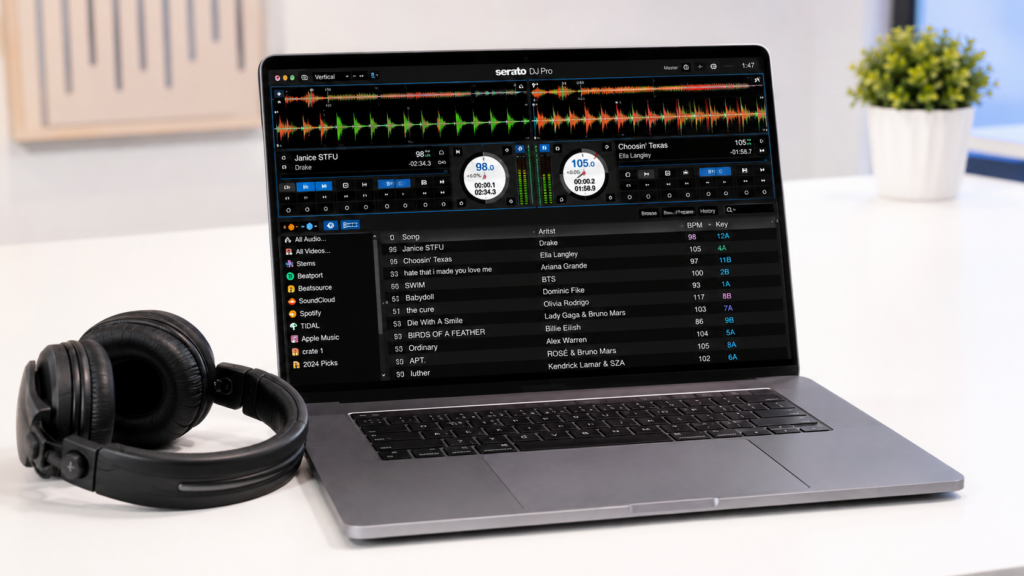
Tracks are loaded into DJ software like Serato, rekordbox, or Traktor. The software analyzes BPM and key automatically, and you add cue points and hot cues before any gig.
See our software guide below ↓
Chapter 02
After independently testing every major record pool on the market, here's our honest breakdown of what's available and what we actually recommend.
A DJ record pool is the single most important tool in a working DJ's arsenal. Think of it as a Netflix for DJ music — you pay a monthly subscription and get unlimited access to a massive, constantly updated catalog.
What separates record pools from just buying music? Three things: exclusive DJ edits (intro versions, extended mixes, clean edits), early access to tracks before they hit public streaming, and volume — you can download hundreds of tracks per month for the same price as a few individual purchases.
Record pools are licensed services, meaning you're downloading and performing music legally. The pool pays the labels and rights holders directly. This matters if you're playing paid events, clubs, or weddings.
Not all record pools are equal. We evaluated them on catalog depth, audio quality, new release speed, exclusive content, genre coverage, and price. Here's what we found:
Visit Our Top-Rated Pool →Chapter 03
The program you use to mix is as personal as your music taste. Here's an honest breakdown of every major option.
Serato is the closest thing the DJ world has to an industry standard. Walk into almost any club in the world and the DJ booth will have Serato-compatible hardware. It's the safe choice, the professional choice, and the most widely supported by hardware manufacturers.
Best for: Club DJs, hip-hop DJs, open format DJs, and anyone who needs maximum hardware compatibility.
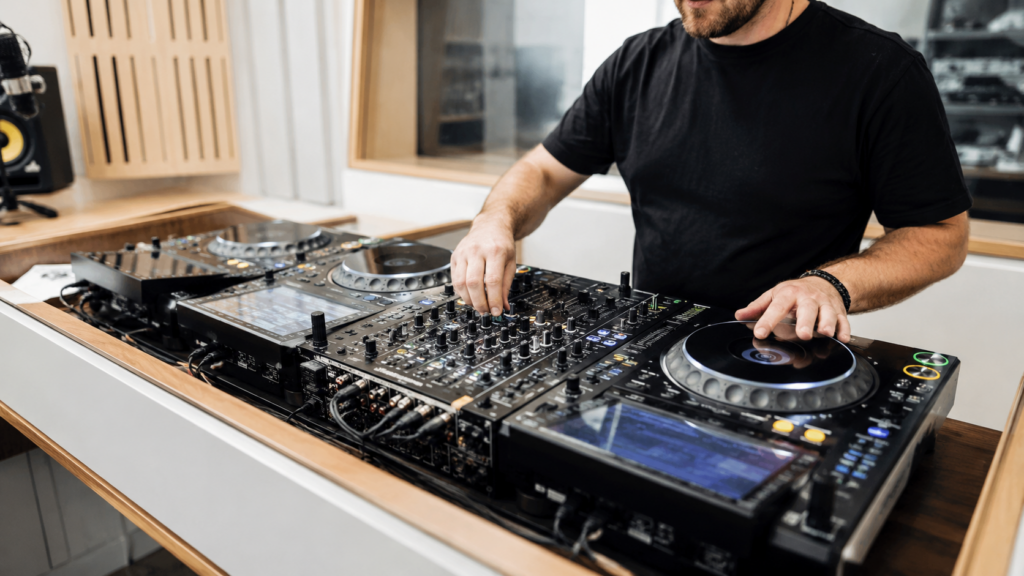
rekordbox is Pioneer DJ's software, and since Pioneer CDJs dominate club DJ booths worldwide, rekordbox is often the most important library management tool a DJ can learn. Even if you mix with other software, you may export your library to rekordbox for club use.
Best for: DJs who play clubs with Pioneer CDJ setups, and DJs who want the most robust library management.
Traktor is the choice of DJs who push boundaries — electronic music producers turned DJs, four-deck mixers, and effect-heavy performers. It has a steeper learning curve but rewards DJs who invest time.
Best for: Electronic music DJs, techno/house DJs, and DJs who want to use complex effects and multiple decks creatively.
Virtual DJ is the most feature-rich DJ software available and the best choice for mobile DJs and beginners. It works with almost any hardware and has built-in karaoke, video mixing, and broadcast tools.
Best for: Mobile DJs, wedding DJs, school events, beginners, and anyone mixing video or karaoke.
djay Pro by Algoriddim is the most innovative DJ app right now, leveraging Apple Silicon and AI for real-time stem separation, neural mix, and seamless Apple Music/Tidal integration.
Best for: iPad and Mac DJs, DJs who want cutting-edge AI features, beginners wanting a modern interface, and streaming-first DJs.
Chapter 04
A disorganized music library will destroy your performance. Here's the system professionals use to manage 10,000+ tracks.
Organize your files on disk before importing into DJ software. Use: Music → Genre → Year → Artist - Title (BPM).mp3. Create an "Inbox" folder for new music that you process weekly. Never mix unsorted downloads with your organized library.
Every track needs proper ID3 tags: Title, Artist, BPM, Key (musical key), Genre, and Year. Use Mp3tag (free) or Kid3 for bulk editing. Mixed In Key adds harmonic analysis automatically. Good tags make your DJ software's search and filter features actually useful.
Every DJ software analyzes BPM automatically, but for key detection, Mixed In Key is the gold standard. It uses the Camelot Wheel system to identify harmonically compatible tracks. Knowing musical keys lets you mix without clashing harmonics — a level up separating good from great DJs.
Build playlists for every context: by genre, by energy level (warm-up → peak → closing), by occasion (club, wedding, corporate). Smart playlists that auto-filter by BPM range or key are a power move. Spend 2 hours weekly building your library — it pays off every gig.
Chapter 05
Sometimes the perfect track isn't quite perfect out of the box. DJs edit tracks to create cleaner intros, cut dead air, fix levels, or create custom edits exclusive to their sets.
The free, open-source standard for basic audio editing. Cut intros and outros, remove dead air, normalize levels, apply EQ, and export in any format. Gets the job done for 90% of DJ editing tasks.
Professional-grade audio editing used in radio stations and studios. Excellent noise reduction, spectral editing, multitrack capabilities, and batch processing. Part of Adobe Creative Cloud.
The producer's weapon. If you want to create your own remixes, re-edits, and mashups from scratch, Ableton is the tool. Steep learning curve but the results are completely original DJ edits.
Apple's free DAW included with every Mac. Surprisingly capable for DJ editing tasks — trim tracks, adjust levels, create simple edits, and export as MP3 or WAV. Perfect for Mac DJs.
The industry standard for audio repair. Remove crowd noise, fix clipping, eliminate hiss, repair damaged recordings. DJs use it to clean up poorly recorded tracks and fix levels.
Beyond analyzing your library, Mixed In Key Studio lets you convert tracks to different keys, time-stretch without pitch change, and create stems. Essential for harmonically perfect transitions.
Our Recommendation
After independently testing every major DJ record pool on catalog depth, audio quality, release speed, exclusive content, and value — one service stood out from the rest across every category.
ⓘ We may earn a commission if you sign up — at no extra cost to you
Chapter 06
Different genres have completely different requirements for a DJ. Here's what you actually need depending on what you play.
Prioritize clean edits, radio edits, a cappellas for blends, and instrumentals. Get new releases fast — hip-hop crowds know what dropped this week.
Extended mixes (6–8 min) are essential. You need long intros and outros for proper beatmixing. Harmonic mixing matters more here than any other genre.
Salsa, bachata, reggaeton, cumbia, merengue — each subgenre has its own BPM range and feel. Latin crowds are knowledgeable and notice if you play the wrong version.
Needs constant updating as the chart turns over weekly. Clean edits and radio versions are mandatory. Requests come from every era — deep catalog going back 30+ years.
The dembow rhythm is the signature. Puerto Rican, Colombian, and Dominican styles have slightly different vibes. One of the highest-energy genres for dancefloors.
The fastest-growing genre globally. Afrobeats, Afropop, Amapiano, and dancehall often blend seamlessly. Amapiano's log drum sound has taken over dancefloors worldwide.
DJ Knowledge Base
Fresh articles from our editorial team — tested advice, honest reviews, and practical tutorials.
Your laptop is the engine of your DJ setup. Run the wrong one and you’ll experience audio dropouts,…
Read Guide →
This is the question every aspiring club DJ eventually asks. Pioneer CDJs are in virtually every professional club…
Read Guide →
Genre transitions are one of the hardest skills to master in open-format DJing. Done poorly, they sound jarring…
Read Guide →
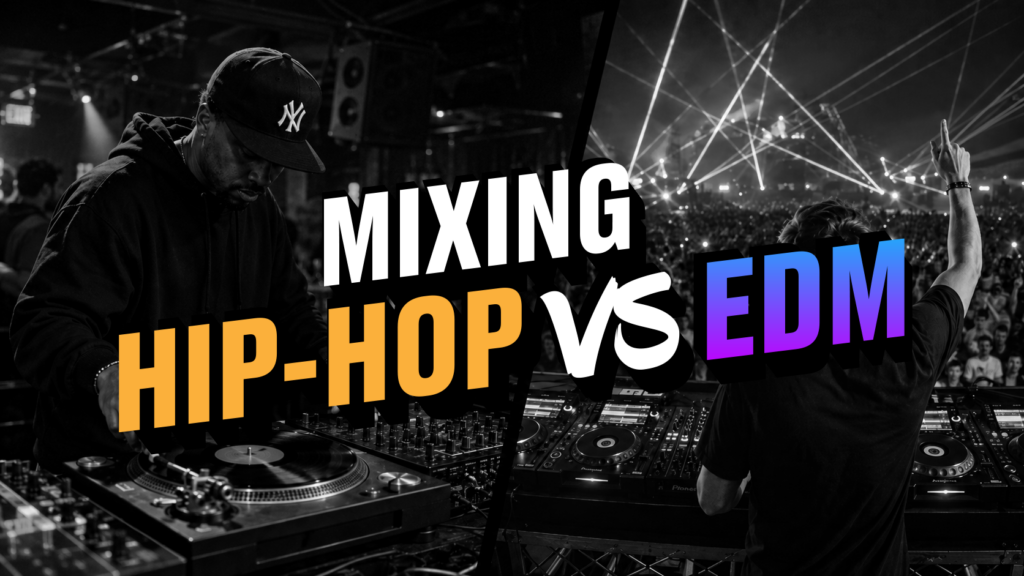
Hip-hop and EDM are the two most popular DJ genres in the world — and they require completely…
Read Guide →
The biggest mistake DJs make when moving between wedding and club gigs is treating them like the same…
Read Guide →
Serato DJ Pro, rekordbox, and Traktor Pro are the three dominant DJ software platforms used by professionals worldwide.…
Read Guide →Common Questions