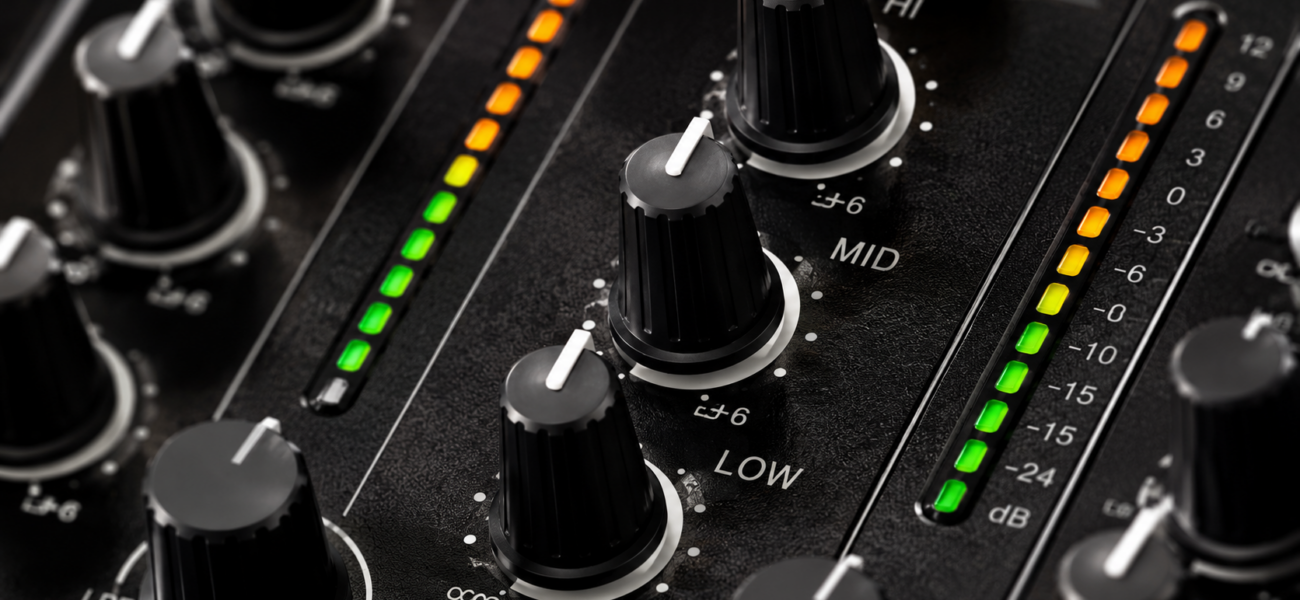
EQ and filters are the two most powerful mixing tools after the fader — and most DJs use them wrong, or don’t use them at all. Understanding the difference between what each tool is for is the unlock. EQ is surgical. Filters are theatrical. Both have a place in every set — just at different moments.
EQ vs Filters — The Core Difference
EQ
- Adjusts specific frequency bands
- Used to prevent frequency clashes
- Applied during the mix to separate tracks
- Subtle — audience shouldn’t notice it
- Used on every mix, every time
- The bass swap is the key technique
Filters
- Sweeps the full frequency spectrum
- Used to create dramatic moments
- Applied for effect — builds, drops, tension
- Obvious — audience should hear the effect
- Used selectively for specific moments
- The tension build is the key technique
Understanding the EQ Bands
A DJ mixer’s EQ has three bands. Each controls a different frequency range. Understanding what each band does — and what it sounds like when it goes wrong — is fundamental to clean mixing.
Bass — 20Hz to 250Hz
Kick drums, bass lines, sub-bass. This is the most important band to control when mixing. Two full bass tracks playing simultaneously creates a muddy, rumbling low-end clash that sounds immediately wrong through any professional sound system. One track gets bass at a time — always.
Midrange — 250Hz to 2kHz
Vocals, synths, guitars, snare, most melodic content. Boosting mids makes tracks sound present and punchy. Cutting mids thins a track out and creates space for another track’s vocals to cut through. Mid adjustments during a mix help two tracks coexist without competing.
Treble — 2kHz to 20kHz
Hi-hats, cymbals, vocal sibilance, high synth elements, air. The high band is useful for bringing a track in gradually — start with highs only, then introduce mids, then bass. This creates a layered mix-in that sounds smooth and professional.
EQ in Practice: The Key Techniques
The Bass Swap (Most Important)
Never boost bass on both decks at the same time. One track gets bass — always. The other gets a bass cut. This is the single most important EQ rule in DJing and breaking it is what causes that low-end rumble that makes amateur mixes sound immediately wrong.
Here’s the full bass swap sequence:
- Outgoing track is playing — bass is at 12 o’clock (center/normal)
- You start bringing the incoming track up in the mix
- Before opening the incoming fader — cut the incoming track’s bass to zero
- Bring the incoming track’s highs and mids up gradually
- At the swap point (usually a phrase boundary) — boost the incoming bass to center while cutting the outgoing bass to zero simultaneously
- The crowd hears one continuous bass line throughout — clean, powerful, professional
Mixing Two Tracks Together
Cut the incoming track’s low band before opening the channel fader. Bring the incoming track up through highs and mids first. Swap the bass at the phrase boundary. Bring the outgoing track’s fader down after the bass swap is complete.
Fixing a Muddy Mix
If a track sounds thick and muddy in the low-mids, cut the midrange slightly on the problematic deck. If two tracks’ vocals are fighting each other, cut the mids on one to create space for the other’s vocal to dominate.
Layered Mix-In
Bring a new track in with only the high band — a shimmer of hi-hats and synth tops. Then gradually introduce the mids — synths and snare. Then, at the drop, bring in the bass. The crowd hears the new track arrive in stages rather than all at once. Creates anticipation and a more musical transition.
Filters in Practice: The Key Techniques
A low-pass filter removes high frequencies (makes the track sound muffled and distant). A high-pass filter removes low frequencies (makes the track thin and far away). Filters are dramatic — they change the character of a track rather than balancing its frequencies.
Building Tension Before a Drop
Apply a high-pass filter to the playing track — sweep it gradually from full sound toward thin and filtered. The crowd feels the energy building as the low end disappears. At the peak of tension, drop the filter completely (full sound returns) or cut to the new track simultaneously. One of the most effective DJ crowd techniques available.
Mixing Two Tracks With Filters
Low-pass one track (keep its bass, remove its highs) while high-pass the other (remove its bass, keep its highs). The two tracks occupy opposite ends of the frequency spectrum and blend without clashing. Gradually return both to full sound over 16–32 bars.
Genre Transition Tool
Apply a heavy low-pass filter to the outgoing track as the genre transition approaches. The filter removes the high-frequency elements that identify the genre — hi-hats, vocal character, synth texture — leaving only a muffled low end. Under that filtered sound, bring in the incoming track in a different genre. Drop the filter and the new genre arrives cleanly.
Creating a Breakdown Feel
Without leaving the track, you can create the sensation of a breakdown by applying a low-pass filter sweep mid-track. The energy drops, the crowd anticipates the release, and when you lift the filter the track hits harder than it would have without the effect.
When NOT to Use EQ or Filters
- Don’t use EQ to fix a bad track selection — if a track fundamentally doesn’t fit where you are in the set, no amount of EQ will make it work. Make better selection decisions first.
- Don’t overuse filters — a filter sweep on every transition sounds gimmicky within 20 minutes. Use filters for specific dramatic moments, not as a habit.
- Don’t boost bass on both decks — this bears repeating because it’s the most common amateur mistake. One bass at a time, always.
- Don’t cut the mids aggressively on every track — mid cuts thin out your sound and make the mix feel hollow. Use them surgically when two tracks are genuinely competing.
Quick Reference: EQ vs Filters
| Situation | Use EQ | Use Filter |
|---|---|---|
| Two tracks playing together | ✅ Bass swap | Optional |
| Building tension before a drop | No | ✅ High-pass sweep |
| Bringing a new track in gradually | ✅ Highs → mids → bass | Optional |
| Genre transition | Helps | ✅ Low-pass outgoing track |
| Vocals clashing between tracks | ✅ Cut mids on one track | No |
| Creating a breakdown feel | No | ✅ Low-pass sweep |
| Mix sounds muddy | ✅ Cut low-mids | No |
Frequently Asked Questions
Should I reset EQ between tracks?
Yes — always return all EQ bands to center (12 o’clock) before a new track starts playing. Starting a mix with EQ already cut or boosted means you’re fighting the next mix before it begins. Reset EQ as a habit after every transition.
How much should I cut the bass during a bass swap?
All the way — cut to zero (fully counter-clockwise) on the outgoing track’s bass during the swap. Half-measures create half-solved problems. One track’s bass at zero, one track’s bass at center, always. Clean and unambiguous.
Do I need to use EQ on every mix?
The bass swap is necessary on every mix that has two full-bass tracks playing simultaneously. Other EQ adjustments are optional and depend on what the tracks need. But the bass swap is non-optional — skip it and you’ll have muddy mixes.
What’s the difference between a low-pass filter and cutting the highs on EQ?
An EQ high cut affects a specific frequency shelf and stays where you set it. A filter is designed to be swept smoothly across the full spectrum — it’s a performance tool built for dynamic movement. Use EQ for surgical adjustment, filters for sweeping dramatic effect.
320kbps Tracks That Respond to EQ
High-quality 320kbps files from MyMP3Pool have the frequency headroom that makes EQ and filter work properly. Low-quality rips compress the very frequencies you’re trying to control.
Visit MyMP3Pool →
ⓘ Affiliate link — we may earn a commission at no extra cost to you
The Best DJ Record Pool We've Tested
After independently reviewing every major record pool, mp3poolonline.com consistently comes out on top for catalog size, audio quality, new release speed, and price.
Visit mp3poolonline.com →ⓘ Affiliate link — we may earn a commission at no extra cost to you