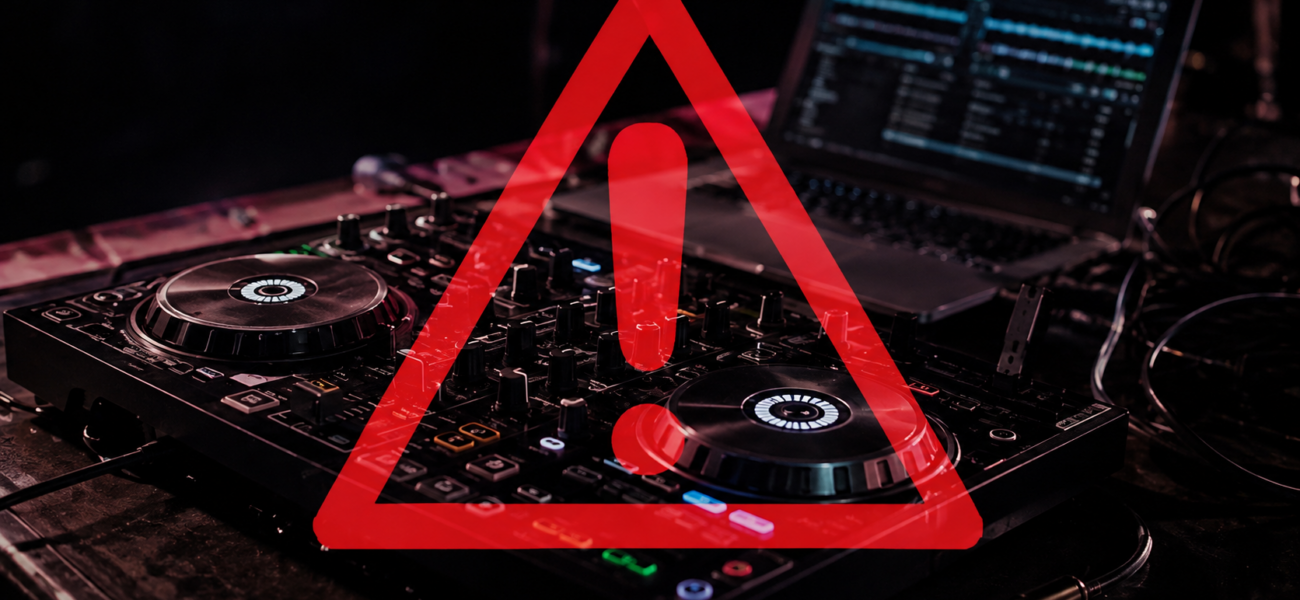
Your equipment will fail at the worst possible moment. This is not pessimism — it’s statistical certainty for any DJ who plays enough gigs. A laptop crashes mid-set. A controller stops responding. A cable dies. The USB drive stops reading on the CDJ. How you handle the next 30 seconds determines whether the crowd remembers a minor hiccup or a DJ who couldn’t handle pressure. Here’s how to prepare for every failure scenario and recover from each one.
Prevention First: The Pre-Gig Equipment Check
Most equipment failures at gigs are actually preparation failures at home. A thorough pre-gig check eliminates the majority of live equipment problems before they happen.
Power on your full setup at home. Play music through it. Test every fader, every knob, every button, every cable connection. A failure discovered at home gives you time to fix or replace. A failure discovered at the venue does not.
Cables are the most common point of failure and the easiest to miss. Wiggle every cable connection while music is playing — any crackling, dropout, or interference indicates a failing cable. Replace before the gig, not during it.
Plug your performance USB into a CDJ or your laptop and browse the library. Confirm tracks play correctly and cue points are intact. A corrupted export discovered at home is fixable. One discovered after loading in at the venue is a crisis.
Spare USB drive (identical backup). Spare USB cable. Spare RCA cables. Spare headphone adapter. Spare laptop charger. The weight of spares is nothing compared to the value of having them when you need them.
The 6 Most Common Failures and How to Handle Each
Mid-set laptop failure
The crowd hears silence within seconds. Your immediate options depend on your backup situation:
→ If you have a USB backup on CDJs: Plug in your backup USB immediately and continue playing from the CDJs while you restart the laptop. Silence window: 30–60 seconds if you’re fast.
→ If you’re controller-only: Force-restart the laptop. Keep the mixer channel down. Have the venue’s background music system or a phone playlist ready as a temporary gap-filler while you restart.
→ Prevention: Pre-gig: close all non-DJ applications, disable WiFi if not needed for streaming, pause cloud sync, set power mode to High Performance (Windows).
USB connection drop or controller failure
Your controller suddenly goes unresponsive — lights out, no response from faders or buttons.
→ First: Keep the current track playing through the mixer at its current level. You have time.
→ Try: Unplug and replug the USB cable between controller and laptop. Most connection drops resolve with a replug.
→ If that fails: Switch to mouse/keyboard control of your DJ software while the current track plays. Not ideal but functional for finishing the track and transitioning.
→ Prevention: Use high-quality USB cables. Avoid cheap cables that drop connection under physical stress.
CDJ won’t recognize your USB
You plug in your USB and the CDJ either doesn’t recognize it or shows an error.
→ Try your backup USB first. If the backup reads correctly, the primary drive has a problem. Continue with the backup.
→ If both fail: Check the USB format — CDJs require FAT32 or exFAT. A drive accidentally reformatted to NTFS won’t read on Pioneer CDJs.
→ If the CDJ itself is the problem: Try the other CDJ in the booth — they’re usually mirrored. Ask the venue’s sound technician for assistance.
→ Prevention: Always verify USB reads on a CDJ before relying on it at a gig. Carry two USBs. Format correctly (FAT32 for drives under 32GB, exFAT for larger).
Sudden silence — no audio output
Music was playing, now it’s not. Could be any point in the signal chain.
→ Check the mixer first: Is the master output fader up? Are the channel faders up? Is the crossfader in the right position? Is the master output connected and switched on?
→ Check cable connections: Wiggle the RCA or XLR outputs from the mixer. A loose cable causes dropouts.
→ Check the amplifier: Is the powered speaker or amp receiving signal? Is it switched on and not in protection mode?
→ Check your software: Has your audio device changed or dropped? Go to Preferences → Audio and verify the correct audio interface is selected.
No headphone monitoring mid-mix
You’ve lost the ability to hear the incoming track — which means you can’t beatmatch or preview.
→ Check the headphone cable: DJ headphones have replaceable cables. A broken cable is the most common headphone failure — wiggle it at both the headphone end and the mixer end.
→ Check the mixer’s headphone output: Try plugging into a different headphone output on the mixer if available.
→ If headphones are completely dead: Switch to visual beatmatching using the waveform display. Not ideal but functional. Use sync to maintain beat alignment while you troubleshoot.
→ Prevention: Carry a spare headphone cable. They’re cheap, small, and have saved countless sets.
Intermittent audio glitches in the output
The music is stuttering, glitching, or dropping out momentarily in a repeating pattern.
→ This is almost always a CPU/buffer issue on Windows: Open Task Manager and close any background applications consuming CPU. Background Windows updates, antivirus scans, and cloud sync are common culprits.
→ Increase your audio buffer size: In your DJ software preferences → Audio, increase the buffer size. Higher buffer = more latency but fewer dropouts. At a gig, stability beats low latency.
→ On Mac: Check for running background apps. Even on Apple Silicon, heavy background processes can affect audio performance.
The Mental Game: Staying Calm
The crowd follows your energy. If you panic visibly — staring wide-eyed at your laptop, frantically hitting buttons, showing stress on your face — the crowd feels something is wrong. If you move calmly and deliberately, most crowds don’t realize anything happened at all. Silence for 5–10 seconds handled calmly is recoverable. Visible panic for 5–10 seconds is memorable for the wrong reasons.
Frequently Asked Questions
How long of a silence gap is acceptable before it becomes a problem?
At a club: 5–10 seconds is barely noticeable. 30 seconds starts to become obvious. 60+ seconds is a serious problem that will be talked about. At a wedding during the first dance: any gap is unacceptable. At a corporate background music event: 30+ seconds before anyone notices. Know your context — the stakes vary enormously by gig type.
Should I tell the crowd what happened?
Almost never. Don’t announce the problem over the mic. Don’t apologize into a microphone while you’re troubleshooting. Fix it and move on. The only exception: if the silence is going to last more than 60 seconds and it’s a high-attention event (wedding, formal corporate event), a brief calm acknowledgment from the coordinator — not you on the mic — is more appropriate than extended unexplained silence.
What’s the single best insurance against equipment failure?
A fully loaded backup USB drive. For any gig involving CDJs, a USB with your complete library, correct cue points, and organized playlists means any laptop or controller failure can be recovered by plugging in and continuing from the CDJ. This backup costs you nothing but 10 minutes of export time before every gig.
Music Ready for Any Situation
A backup USB is only as good as the music on it. MyMP3Pool keeps your library current so your backup is always ready to go.
Visit MyMP3Pool →
ⓘ Affiliate link — we may earn a commission at no extra cost to you
The Best DJ Record Pool We've Tested
After independently reviewing every major record pool, mp3poolonline.com consistently comes out on top for catalog size, audio quality, new release speed, and price.
Visit mp3poolonline.com →ⓘ Affiliate link — we may earn a commission at no extra cost to you